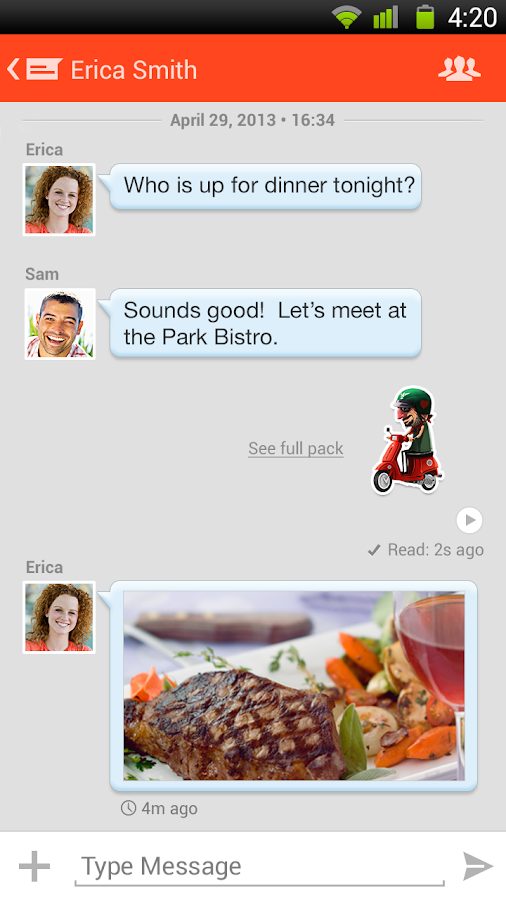
Quick Tutorial: How to Install Tango Text, Voice, and Video to your Kindle Fire HD in less than 5 minutes!
1. Download and install an app on the Amazon market called File Expert.
2. Go to setting on your Kindle Fire.
3. Choose “Device” option.
4. Choose “On” option for “Allow Installation of Applications” from unknown sources.
5. Now download the "Tango" app file onto your computer: http://www.mediafire.com/download/eai53fhoq8n6j8e/Tango_2.10.48610.apk
6. Plug in your Fire, and copy the "Tango" file into your Fire.
7. Go to File Expert and locate the installation (.apk) file and hit install!
If you have any questions or problems feel free to ask me!
Download link for Tango .apk file
Description:
Best Communication App - 2013 Appy Awards
Best Texting App - 2013 About.com Reader's Choice Awards
Must Have Apps List - 2013 Verizon Wireless
Tango gives you the highest quality video & phone calls, texts, photo & video sharing, games and more for FREE! It’s the all-in-one social networking app that finally combines every way you want to interact with friends & family. Join over 120M people around the world & Tango today!
Easy to use
- No login & password - create an account in seconds
- Automatically finds your friends using Tango
- Calls and messages work just like they do on your phone
- Works across most smartphones, tablets, & PCs
- Great quality on 3G, 4G, and Wi-Fi
- Automatically finds your friends using Tango
- Calls and messages work just like they do on your phone
- Works across most smartphones, tablets, & PCs
- Great quality on 3G, 4G, and Wi-Fi
Fun to use
- Group chat with all your friends and share photos or videos
- Personalize your calls and messages with fun animations to express yourself
- Challenge your friends with games during your calls
- Find all your pictures & videos in a central photo gallery
- Personalize your calls and messages with fun animations to express yourself
- Challenge your friends with games during your calls
- Find all your pictures & videos in a central photo gallery
Free to use
- All video and audio calls are free and don’t use your minutes
- Messages are free and don’t use your text plan
- Free calls and messages internationally
- Messages are free and don’t use your text plan
- Free calls and messages internationally

